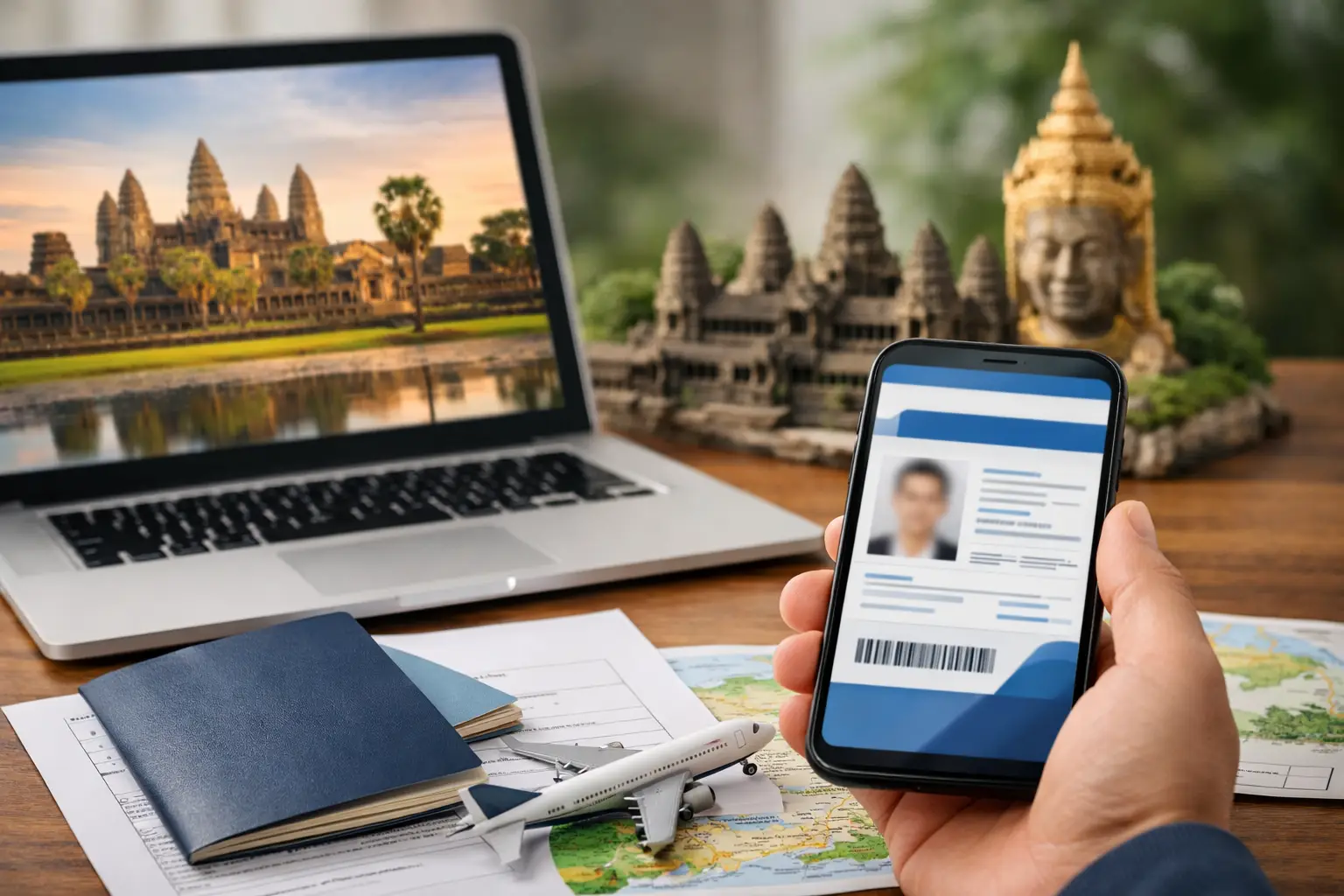
The short answer: a Cambodia eVisa application should use a clear image of the passport biodata page and a recent passport-style portrait in JPEG or PNG format. The official Cambodia eVisa portal lists a passport with more than six months of validity remaining at entry, a recent digital passport-size photo and a valid payment card among its standard requirements. A file can be technically uploadable and still be difficult to review, so quality matters as much as format. Glare, blur, cropped edges, shadows, filters and mismatched passport details are common avoidable problems.
This guide helps travelers prepare their files before paying. It is not a promise that a particular image will be accepted, because the Cambodian authorities decide each application and may request more information. If you want a guided submission after checking the standards below, start your Cambodia visa application. Our tourist visa application package costs USD 90 in total and our business package costs USD 105 in total. Both include the government fee and our application support; the government fee is not added on top.
What photo and passport scan do I need for a Cambodia eVisa?
Prepare two different images. The first is the passport biodata page: the page containing your photograph, name, nationality, birth date, passport number, issue and expiry dates, and machine-readable lines. The second is a recent passport-style portrait of your face. Do not substitute one for the other. A crop of the passport photograph is not automatically a suitable portrait, and a portrait does not show the passport data needed to match the application.
The official portal identifies JPEG and PNG as accepted digital photo formats. Use an original file exported in one of those formats. Avoid renaming a PDF or HEIC file with a “.jpg” ending; changing a filename does not convert its internal format. Open each image on the device you will use for applying and zoom in. If letters or facial details break into blocks, disappear under glare or become unreadable, create a better file before submission.
Cambodia eVisa passport validity requirement
The official eVisa information states that the passport should have more than six months of validity remaining at the time of entry. Calculate from the intended arrival date, not simply from the day you complete the form. If your passport is close to that threshold, renewing before applying is usually safer than hoping the dates will be interpreted favorably. Airlines may conduct their own document checks before boarding.
An approved visa is connected to the passport information entered in the application. If you replace a lost, damaged or expiring passport after approval, the new document will usually have a different number and validity dates. Do not assume the old approval transfers automatically. Seek current guidance and allow time for any required new application. Carrying both passports may not solve an identity mismatch.
How to photograph the passport biodata page
Place the open passport on a flat, plain surface in bright indirect light. Position the camera directly above the page so text lines remain horizontal and the page is not trapezoid-shaped. Include the entire biodata page, including all four edges and both machine-readable lines at the bottom. Keep fingers, clips and other objects away from printed information. A modern phone camera is normally capable of a clear result when held steady.
Tap the screen over the passport text to focus, then inspect the photograph at full size. The passport number, full name and expiry date should be easy to read without guessing. If the laminated page reflects a window or ceiling light, move the light source or change your angle slightly while keeping the page square. Do not use a flash if it creates a white patch across the photograph or data.
Should I scan or photograph my passport?
Either method can produce a usable digital image when the result is complete, sharp and in the requested format. A flatbed scanner provides even lighting and straight edges, but aggressive scanner settings can overexpose security patterns or create a huge file. A phone is faster and often sufficient, but it is more vulnerable to blur, glare and perspective distortion. Judge the output rather than assuming one device is always better.
If scanning, use color mode and a reasonable resolution that preserves small text. Do not scan in black and white unless explicitly instructed. Export to JPEG or PNG if those are the formats requested by the application channel. If photographing, use the original camera file instead of sending it through a chat application that may compress it. Never upload a photocopy photographed from a distance when the original passport is available.
How to take the passport-style portrait
Stand in front of a plain, light and uncluttered background. Face the camera directly with your eyes open and your full face visible. Use even lighting from the front or both sides so there are no heavy shadows under the eyes or behind the head. Frame the head and upper shoulders with space around the hair. Wear ordinary clothing that contrasts with the background.
Ask another person to take the image or use a stable phone position and timer. A close handheld selfie can distort facial proportions and produce an unsuitable angle. Keep the camera near eye level. Remove sunglasses and avoid fashion accessories that obscure facial features. Prescription glasses can create glare; if the lenses hide the eyes, take another photograph without them when permitted.
Can I use a selfie for a Cambodia eVisa?
A casual selfie is a poor choice even if it looks sharp. Passport-style images are intended for identity comparison, so neutral framing, direct eye contact, natural proportions and a simple background matter. Wide-angle front cameras can enlarge the center of the face and cut off the shoulders. Beauty mode may alter skin texture or facial geometry without making the change obvious.
If a phone is your only camera, use the rear camera with a timer or ask someone to take the picture from a short distance. Turn off portrait blur, filters, stickers, automatic retouching and mirrored text effects. The goal is not a flattering social-media portrait; it is an accurate, recent identity image that can be compared with the passport.
Photo editing: what is safe and what creates risk?
Basic cropping and rotation can be appropriate when they make the image straight and remove empty surroundings. Moderate brightness correction can help if it does not wash out facial features or passport security printing. File-format conversion can also be appropriate when performed by a trusted image tool. Keep an untouched original so you can start again if the edited version looks artificial.
Do not reshape the face, replace facial features, remove identifying marks, apply beauty filters or generate missing image areas with AI. Do not digitally paste a face onto a background. For passport pages, do not erase stamps, change colors, sharpen text until halos appear or combine pieces from multiple photographs. Editing that changes identity information can cause far more serious problems than an ordinary low-quality upload.
How to check the machine-readable zone
The two lines of letters, numbers and angle brackets at the bottom of many passport biodata pages form the machine-readable zone. They help systems read identity data. Both lines should appear completely in the image, with no finger, crop or shadow across them. If one corner curls upward, gently hold the passport open outside the frame or use a method that does not cover information.
Compare the machine-readable data with the visible passport fields and with what you type into the form. Passport letters can be confused with numbers, especially O and 0 or I and 1. Use the labeled passport-number field as the primary reference. Enter dates in the order requested by the form rather than copying your country's familiar order automatically.
File format and file size checks
JPEG is commonly suitable for photographs because it keeps file size manageable. PNG can preserve crisp details but may be larger. The official portal currently mentions both JPEG and PNG for the recent digital photo. Follow the actual upload field's current instructions because limits and interfaces can change. If a file is too large, resize it proportionally with a reputable tool instead of repeatedly taking screenshots.
After conversion or compression, open the final file again. Confirm that it is not blank, rotated, corrupted or saved in a cloud-only location unavailable to the browser. Use simple filenames such as “passport-biodata.jpg” and “passport-photo.jpg.” Avoid including unnecessary sensitive details in filenames. Keep the files in a secure folder and delete unneeded copies from shared or public devices after submitting.
Make every application field match the passport
The best photograph cannot compensate for typed information that does not match it. Enter surname and given names exactly as the application instructs and as the passport identifies them. Include middle names when they are part of the passport's given-name field. Do not translate, shorten or use a nickname. Preserve hyphens and spacing when the form supports them.
Check passport number, nationality, date of birth, sex marker, issue date and expiry date. Travelers with more than one citizenship should use the passport they will present for the journey. If an airline ticket omits a middle name while the passport contains one, follow airline guidance for the booking, but do not intentionally remove the name from a visa form that asks for the complete passport name.
Common Cambodia eVisa upload mistakes
- Uploading the passport cover instead of the biodata page.
- Cropping off a page corner or machine-readable line.
- Using a flash reflection that hides the passport number.
- Submitting a filtered selfie or an old portrait.
- Uploading a screenshot of a small preview instead of the original.
- Renaming an unsupported file without converting it.
- Entering a passport number that differs from the scan.
- Applying with a passport that will not meet the validity requirement at entry.
Most of these errors are preventable with a two-stage review. First inspect visual quality at full size. Then compare every typed identity field with the passport while both are visible. Ask a trusted person to perform a second check when several family applications are being prepared.
Documents for children and family applications
Each child should have an application based on the child's own travel document and current photograph when a visa is required. Do not upload a parent's passport image for a child or reuse one sibling's portrait. Children's appearances change quickly, so use a recent image. Check whether the child has an individual passport rather than relying on assumptions based on older family-document practices.
Create separate secure folders labeled by first name and passport ending, not by full passport number. Finish and review one traveler's application before moving to the next. This reduces accidental file swapping. A group may share travel dates and accommodation, but identity documents remain individual.
Documents for a Cambodia business visa application
Business travelers still need the core identity documents, but the chosen visa category and application route may request supporting information related to the visit. Prepare host organization details, purpose of travel and any requested letter in a clear digital format. Do not use a tourist explanation when the actual purpose is commercial merely to avoid preparing documentation.
Our business visa application package is USD 105 in total, while our tourist package is USD 90 in total. Each includes the government fee and our application support. Read the payment summary before paying to confirm the visa type and any optional service you selected.
Protecting passport images online
A passport scan is highly sensitive. Apply only through a site you intentionally chose, confirm the domain and HTTPS connection, and avoid links from unsolicited messages. Do not email passport images to unknown addresses or post them in public support forums. Use a private network rather than open public Wi-Fi when possible.
Keep the application reference private. Fraudulent messages may claim that an extra payment or urgent upload is required. Verify requests through the site's known contact or status page instead of replying directly. After completing the process, remove duplicate files from shared computers, download folders and messaging applications, while retaining one secure copy needed for travel.
What happens if my image is unclear?
An unclear image may lead to a request for a replacement, slower processing or an unsuccessful application, depending on the issue and authority review. Do not assume software will automatically repair or read every detail. If you notice a serious problem immediately after submission, use the verified support or status process associated with your application rather than submitting several duplicates.
Time pressure makes replacement requests more disruptive, which is why travelers should prepare files before the final week. The official normal processing estimate is three business days, but correction time is additional uncertainty. A clean first submission is the strongest practical way to protect your travel schedule.
A five-minute quality test before you upload
Open the final passport image on a different screen from the one used to create it. Read the full name, passport number, birth date and expiry date without referring to the physical passport. Zoom to the machine-readable lines and confirm every character remains distinct. Then zoom back out and check that all edges are visible. Rotate the device to ensure the file has stored the correct orientation rather than relying on an app's temporary preview.
Next, inspect the portrait at ordinary size. The face should be centered, naturally colored and evenly lit, with no automatic background blur around the hair. Ask whether the photograph would allow a person unfamiliar with you to compare it confidently with the passport. Finally, confirm the filenames and place the passport page and portrait in separate locations within the upload chooser to prevent swapping them. This short test catches file corruption, accidental screenshots, wrong-person uploads and over-compression before payment, when correction is easier.
Cambodia eVisa photo and passport questions
Can I upload a PDF passport scan?
Follow the live upload field's accepted formats. The official information specifically mentions JPEG or PNG for the recent digital photo. Convert files properly when needed; changing a filename extension alone is not conversion.
Can I wear glasses in the photo?
Avoid glare and any obstruction of the eyes. If glasses create reflections, take a clear image without them when permitted. Sunglasses are not appropriate for identity comparison.
Does the passport page need all four corners?
Including the full biodata page and all edges is the safest approach because it shows the document is complete and prevents important data from being cropped.
Can I use the photo printed inside my passport?
Prepare a separate recent passport-style portrait. A crop from the passport page may be old, low resolution and covered by security patterns.
Final document checklist before payment
- Passport will have more than six months of validity at entry.
- Full biodata page and machine-readable lines are visible.
- Passport text is sharp at full-size viewing.
- Portrait is recent, front-facing and unfiltered.
- Final files open correctly as supported image formats.
- Typed name, passport number and dates match the document.
- The selected visa type matches the actual travel purpose.
- The intended entry point accepts the chosen eVisa.
When every item is ready, continue to the Cambodia visa application. For nationality-specific guidance, review the eligible country pages. Current requirements and government prices should always be checked against the official Cambodia eVisa information before submission.